For HVAC, plumbing, electrical and roofing
Book the next job while you’re still on this one.
Every new inquiry gets a text back in minutes and an open time from your schedule. You approve from your phone.
- No implementation fee
- No per-seat pricing
- Works without a CRM
 Example · sample data
Summit Air
Website inquiry · text
7:42 PM
Automated reply
7:43 PM
7:46 PM
Sent to you for approval
Book visit · AC not cooling
Tomorrow, 1–3 PM · Rafael O.
1482 Alder St · in service area
Tomorrow, 1–3 PM
AC not cooling · Rafael O.
Approved by you · confirmation texted
- 7:42 PMNew inquiry · AC not cooling
- 7:43 PMReply sent with two open times
- 7:46 PMCustomer picked tomorrow, 1–3 PM
- 7:47 PMBooking sent to you for approval
- 7:48 PMApproved · confirmation texted
- 8:26 PMWater heater inquiry · reply held for quiet hours
- 9:12 PMGas smell reported · escalated to a person
- 10:04 PMSTOP received · no more texts to that number
- 8:00 AMQuiet hours over · held reply sent
- 8:14 AMFollow-up sent · furnace estimate
- 8:31 AMNew inquiry · no hot water
- 8:32 AMAsked where the heater is and who’ll be home
Why speed matters
The job goes to whoever answers first.
Homeowners text three companies and book whoever answers first.

Without Field Current
7:42 PM
“AC is out, it’s 96° inside.” The form emails an unwatched inbox.
7:44 PM
She messages two other companies.
7:58 PM
One texts back with a time. She takes it.
8:05 AM
Your office calls back. The job is gone.
Lost — and nobody knew it was close.
With Field Current
7:42 PM
The inquiry arrives and becomes a lead.
7:43 PM
She gets two open times by text.
7:46 PM
She picks 1–3 PM.
7:47 PM
You approve from the truck. Confirmed.
Booked for tomorrow, 1–3 PM.
An illustration, not a measurement.
How it works
Respond. Qualify. Book.
Follow up.
01
Respond
Every inquiry gets a text back in your business’s name, in minutes.
02
Qualify
It asks what your office would ask and hands anything unsafe to a person.
03
Book
It offers only open times. You approve, or let routine visits through.
04
Follow up
Up to three follow-ups in a week. It stops the moment they reply.
Control
You set the rules. It keeps them.
What it will never do
Pretend to be a person
Quote a price you haven’t approved
Offer a time you don’t have
Call an emergency safe
Keep texting after STOP
Text customers late at night
Built for the trades
It speaks your trade.
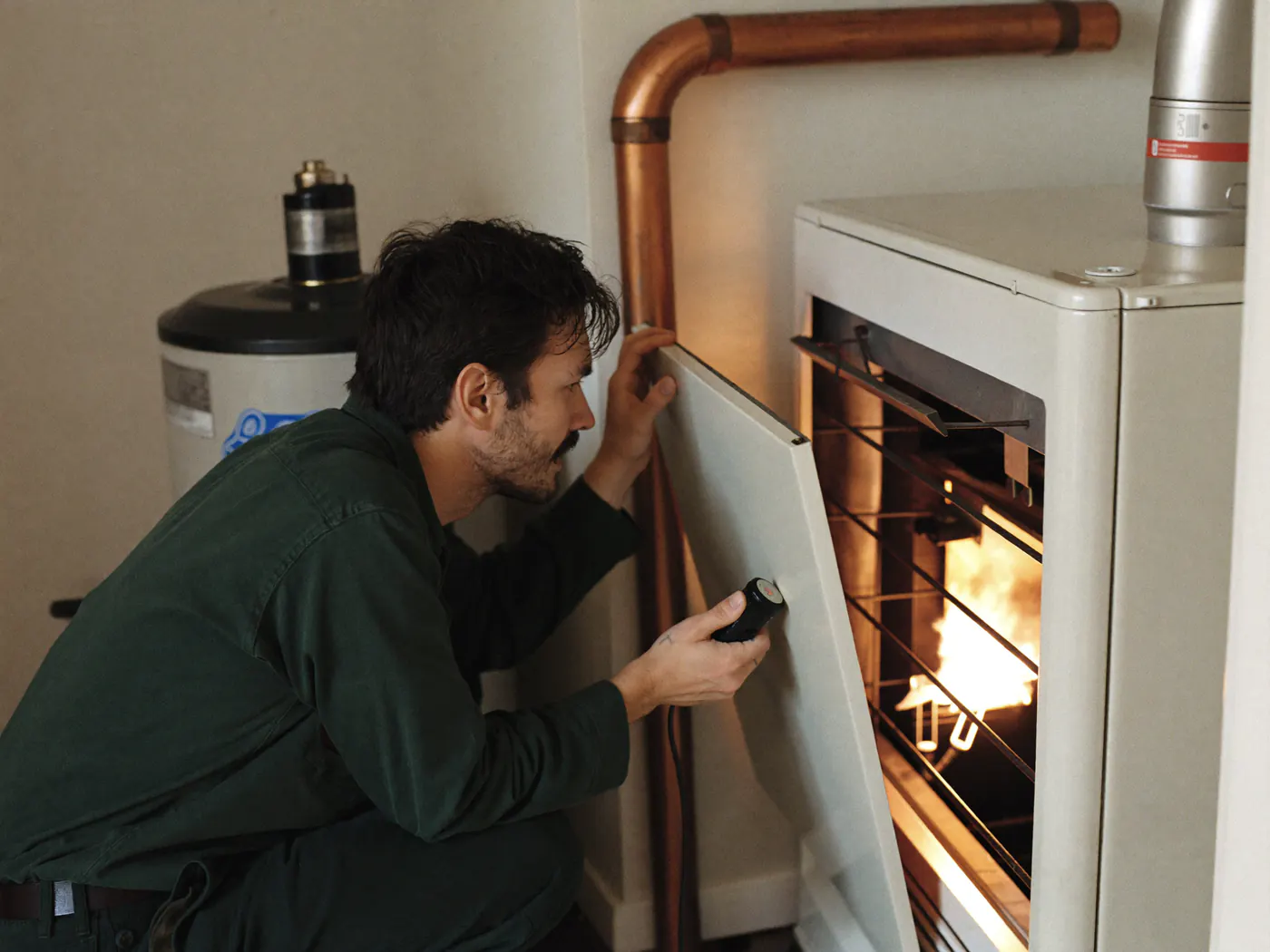
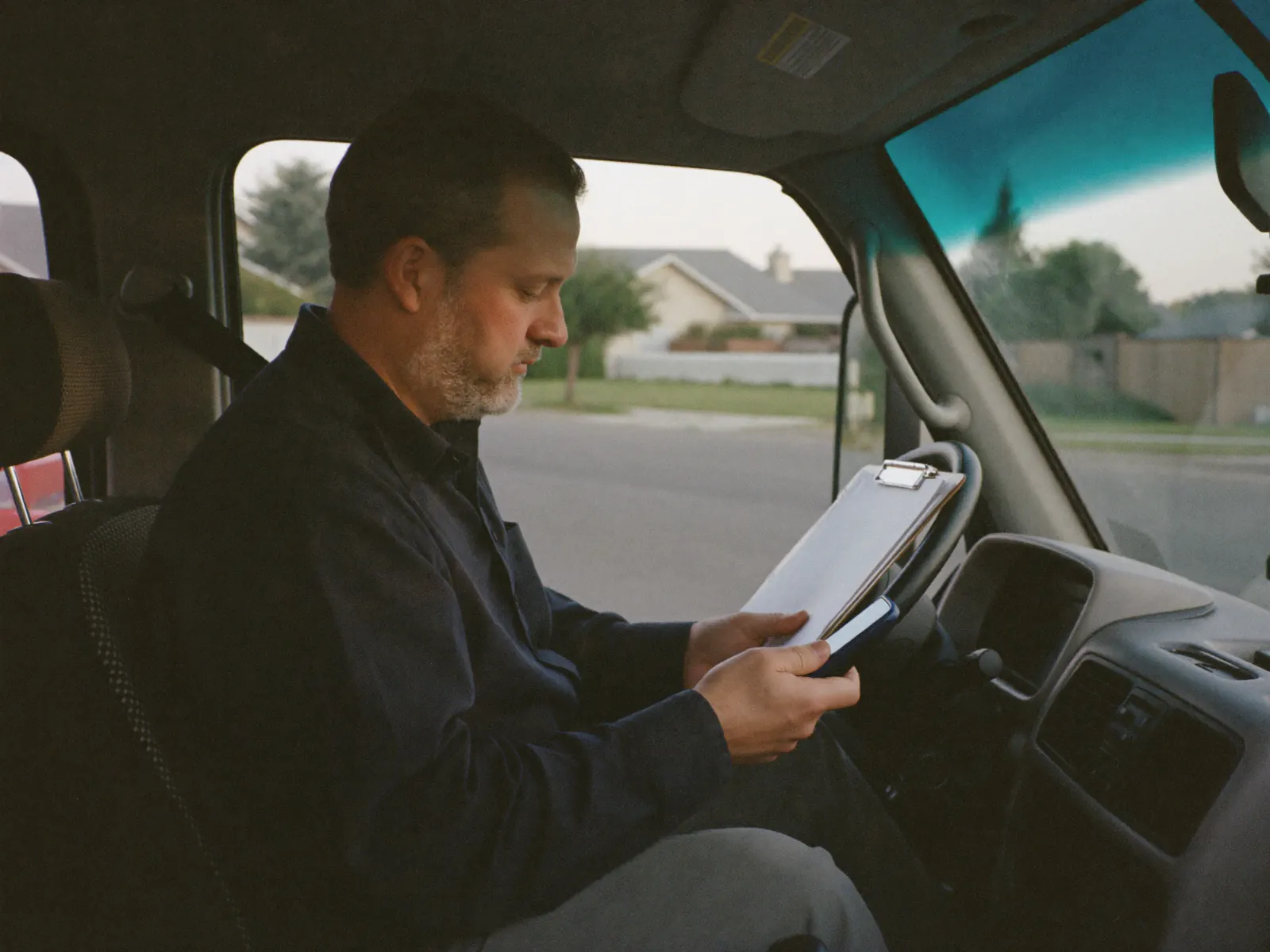
HVAC
“It’s 96 in the house and the unit is running non-stop.”
Asks about system age, thermostat, who’ll be home.
See the HVAC demo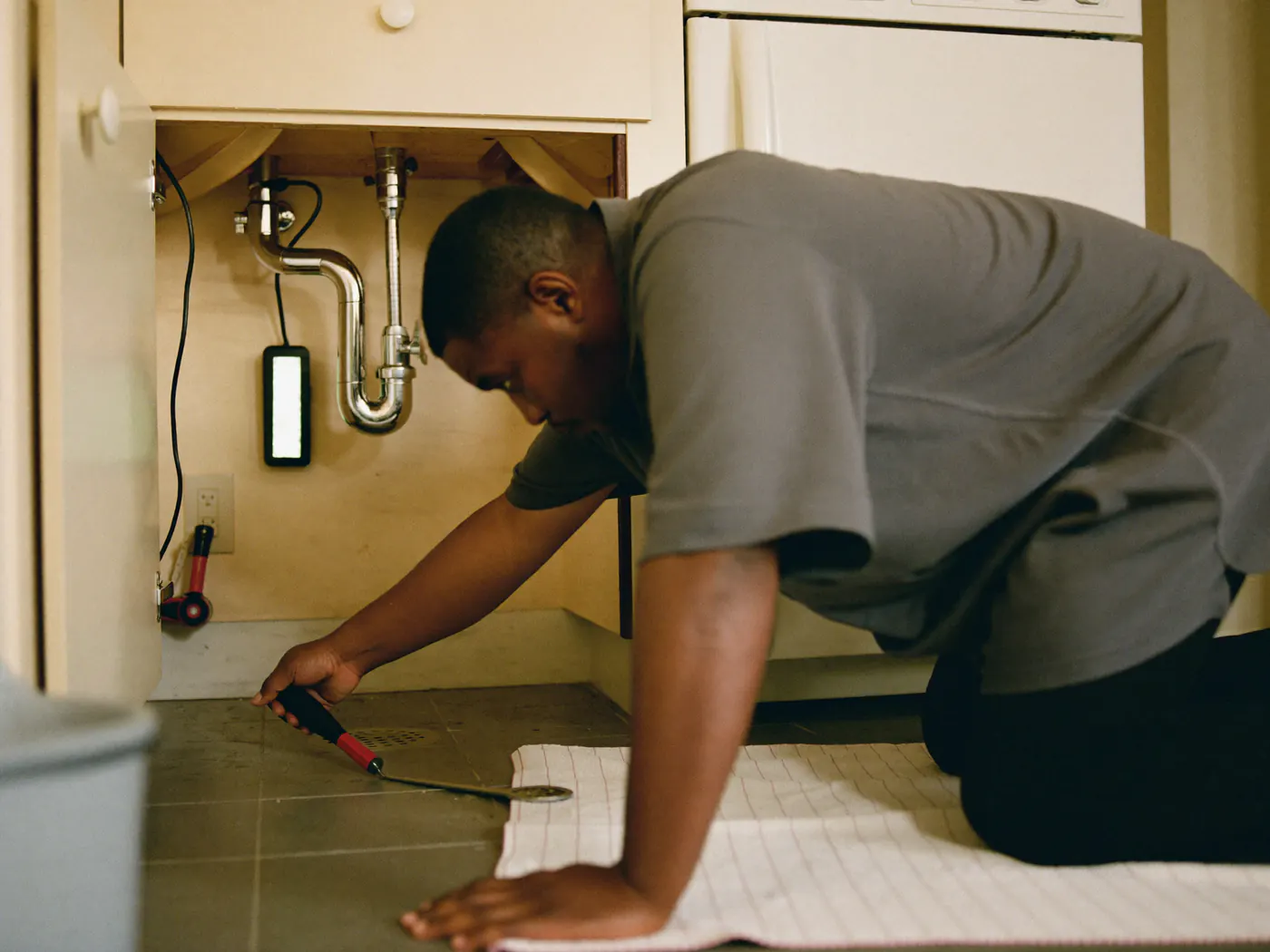
Plumbing
“Water everywhere under the kitchen sink, I shut the main off.”
Asks about whether the water is off, where the leak is, access.
See the Plumbing demo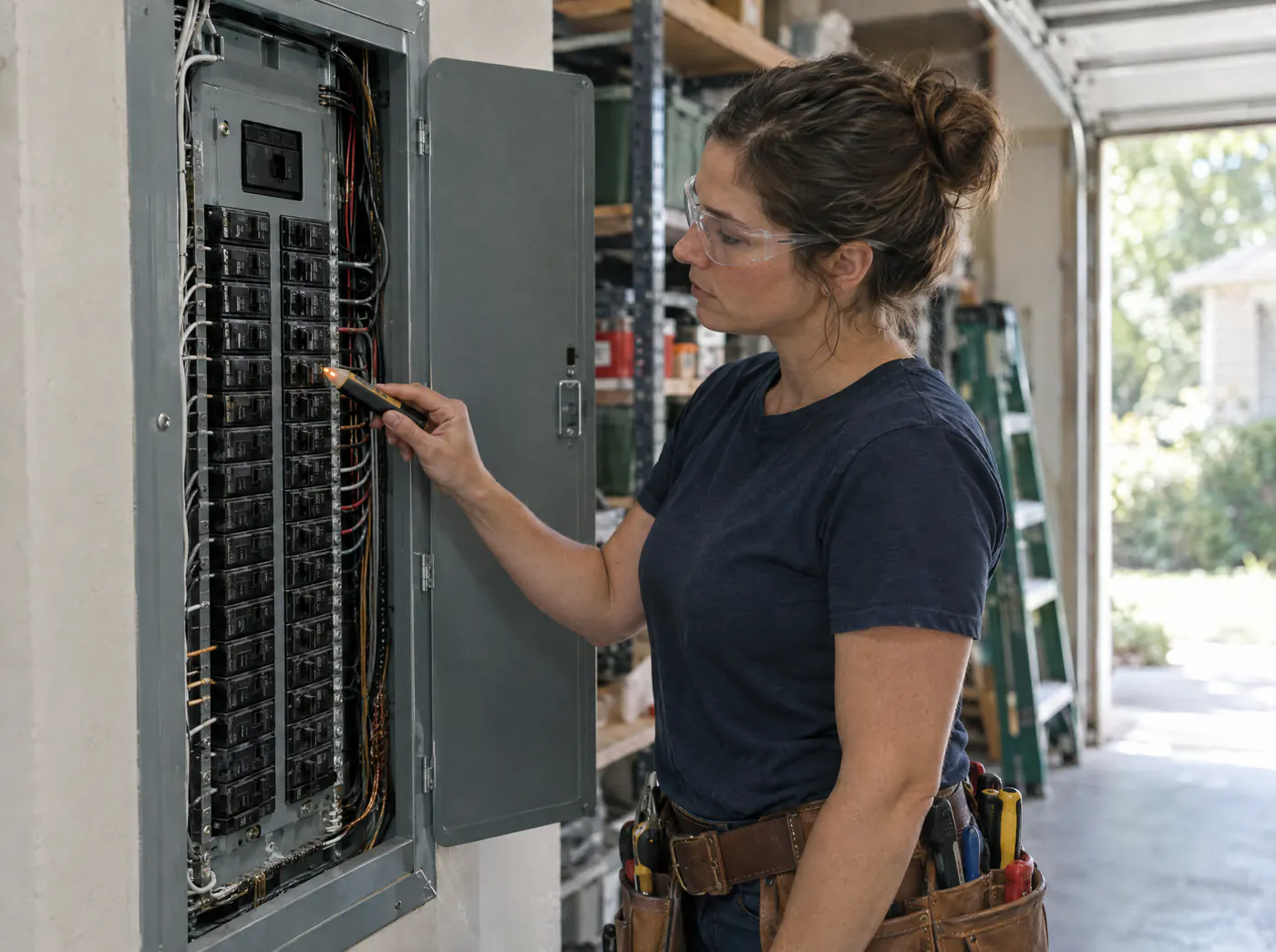
Electrical
“Breaker trips whenever the dryer runs.”
Asks about panel size, what’s on the circuit, when it happens.
See the Electrical demo
Roofing
“Hail last night took out shingles on the back slope.”
Asks about active leaks, roof age, insurance claim.
See the Roofing demo
Another trade? Tell us what you do.
Revenue recovery
Find the work already sitting in your records.
Bring an export and see which estimates and inquiries are worth a follow-up. The file never leaves your browser.
Free, no account. Sample data if you’d rather not use yours.
Works with what you have
- Your website form
- A spreadsheet or CSV export
- Leads your team types in
Planned, not built yet: ServiceTitan, Housecall Pro, Jobber, Google Calendar, Gmail and Outlook.
Pricing
Priced on inquiries, not seats.
Overflow
After-hours inquiry and follow-up coverage.
$199/mo
$169/mo billed annually
- Included
- Up to 150 inquiries/mo
- After that
- $2 per inquiry after
Full Coverage
RecommendedLead response and follow-up across the day.
$549/mo
$469/mo billed annually
- Included
- Up to 600 inquiries/mo
- After that
- $1.50 per inquiry after
Command
Coming soonCustom operating scope and volume.
$1,299/mo and up
Custom above single-location
- Included
- Uncapped or custom capacity
- After that
- No per-inquiry charge
Will customers know they’re texting an automated assistant?
What happens with an emergency, like a gas smell?
How quickly does it reply?
Do I need a CRM or new software?
What if a customer texts STOP?

Get started
Tonight’s inquiries can be tomorrow’s jobs.
See it set up around your business. No account needed.